Collections: coloring your graph
A collection is a named, colored subset of your graph — "the fraud accounts," "the top 20 authors," "everything reachable from server X." Whenever you ask Talk2Graph to color or highlight something, it creates a collection. Everything not in a collection keeps the neutral background look, so your highlighted subset stands out.
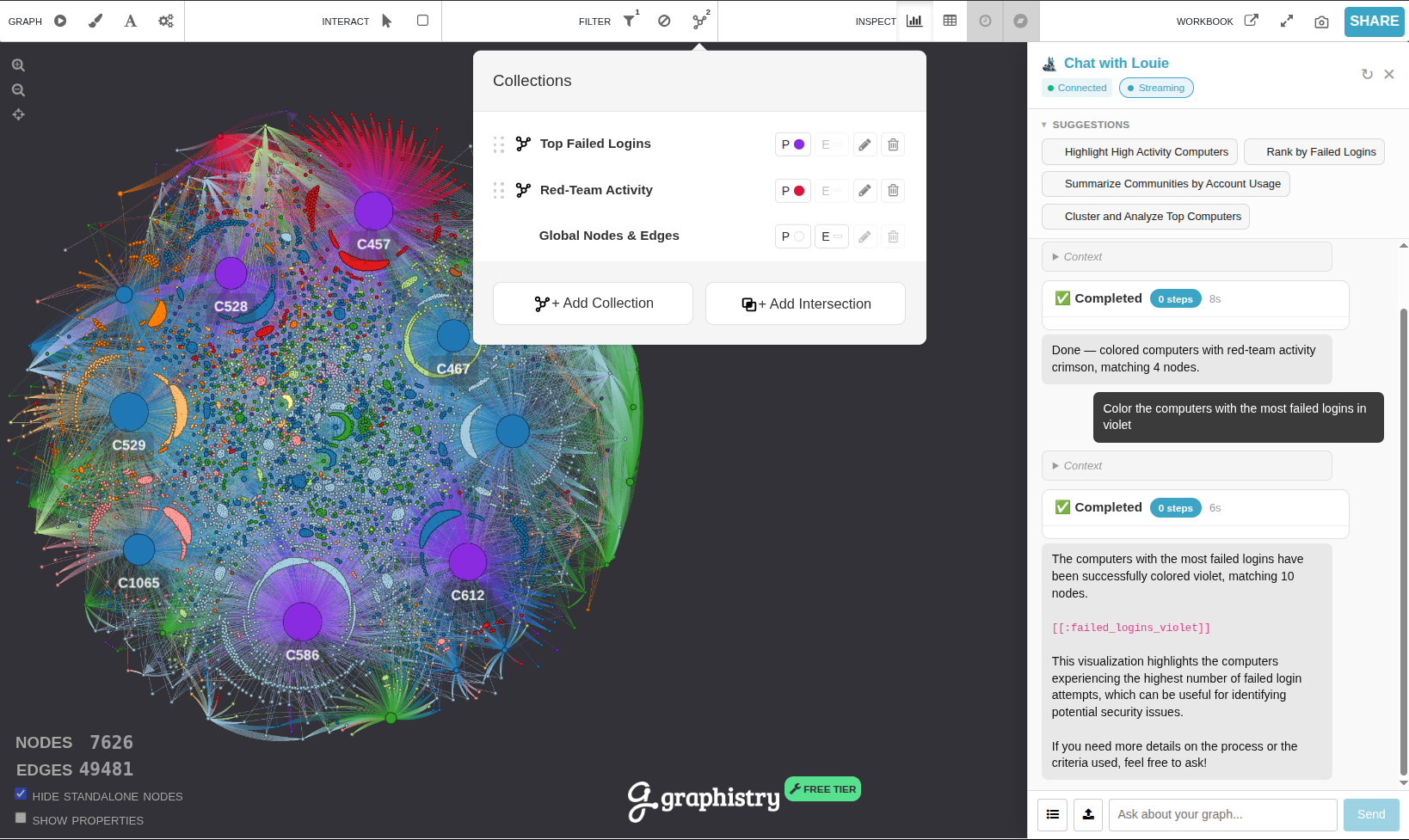
Creating a collection
Just describe the subset and a color:
- Color all Author nodes red
- Highlight the most influential accounts in purple
Every collection gets a name and a short description of what it selects (for example, "Top 20% by PageRank, 41 nodes"), both shown in the collections panel so you can tell your highlights apart at a glance.
Nodes or edges
Talk2Graph colors nodes by default. If your request describes a traversal that ends on connections — "color the edges between X and Y" — it colors the matching edges instead. A traversal that ends on the reached nodes ("color the machines X connects to") colors those nodes.
Colors: exact hex or a named palette
You can specify color two ways:
- Exact color — a hex code like
#FF0000or#00FFFF. Highlight fraud accounts in #00FFFF - Named palette — a color scheme by name. Highlight the flagged assets using the Blues palette
Supported palette names (case-insensitive) include:
Sequential:  Blues, Greens, Greys, Oranges, Purples, Reds, BuGn, BuPu, GnBu,
             OrRd, PuBu, PuBuGn, PuRd, RdPu, YlGn, YlGnBu, YlOrBr, YlOrRd
Diverging:   BrBG, PiYG, PRGn, PuOr, RdBu, RdGy, RdYlBu, RdYlGn, Spectral
Qualitative: Accent, Dark2, Paired, Pastel1, Pastel2, Set1, Set2, Set3,
             tab10, tab20, tab20b, tab20c, category10
Perceptual: Viridis, Plasma, Inferno, Magma, Cividis, TurboTraversals, not just attribute matches
A collection's filter can walk the graph, so a highlight can be a subgraph rather than a literal attribute match. "Everything reachable from account C17693 within two hops" and "the accounts that connect two different regions" both become collections.
Layering: newest on top
You can have several collections at once. New collections are painted on top of earlier ones, so your latest highlight is always visible. When a node belongs to two collections, the one on top wins. If you create a collection with the same name as an existing one, it replaces it in place.
Underneath all collections is a built-in Global Nodes & Edges layer — the neutral gray look for everything you haven't explicitly colored. It's always present and can't be deleted.
Managing collections
Once collections exist, you can adjust them by talking to the panel:
| To… | Say something like |
| List them | What collections are on the graph? |
| Reorder / bring to front | Put the red set on top |
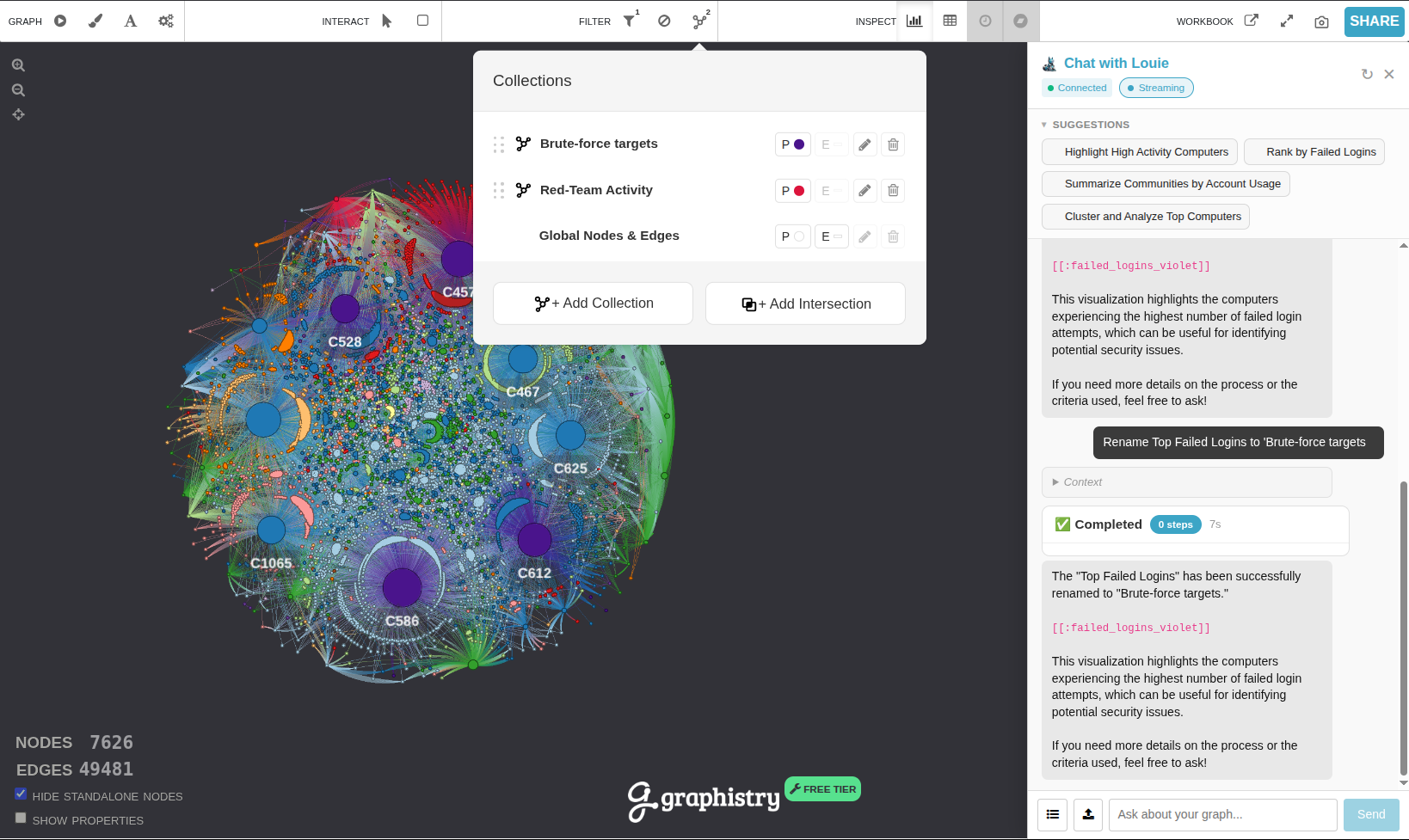
| Rename or recolor | Rename that to "Key Influencers" and make it blue |
| Delete one | Remove the pagerank collection |
| Clear everything | Reset the colors |
Renaming and recoloring change a collection's appearance only — they don't change which nodes it selects. To change the selection, create a new collection (optionally with the same name to replace it).
See also
- Example prompts
- Reference — the full tool list and the query language underneath.